Ad blocker detected: Our website is made possible by displaying online advertisements to our visitors. Disable your ad blocker to continue using our website.
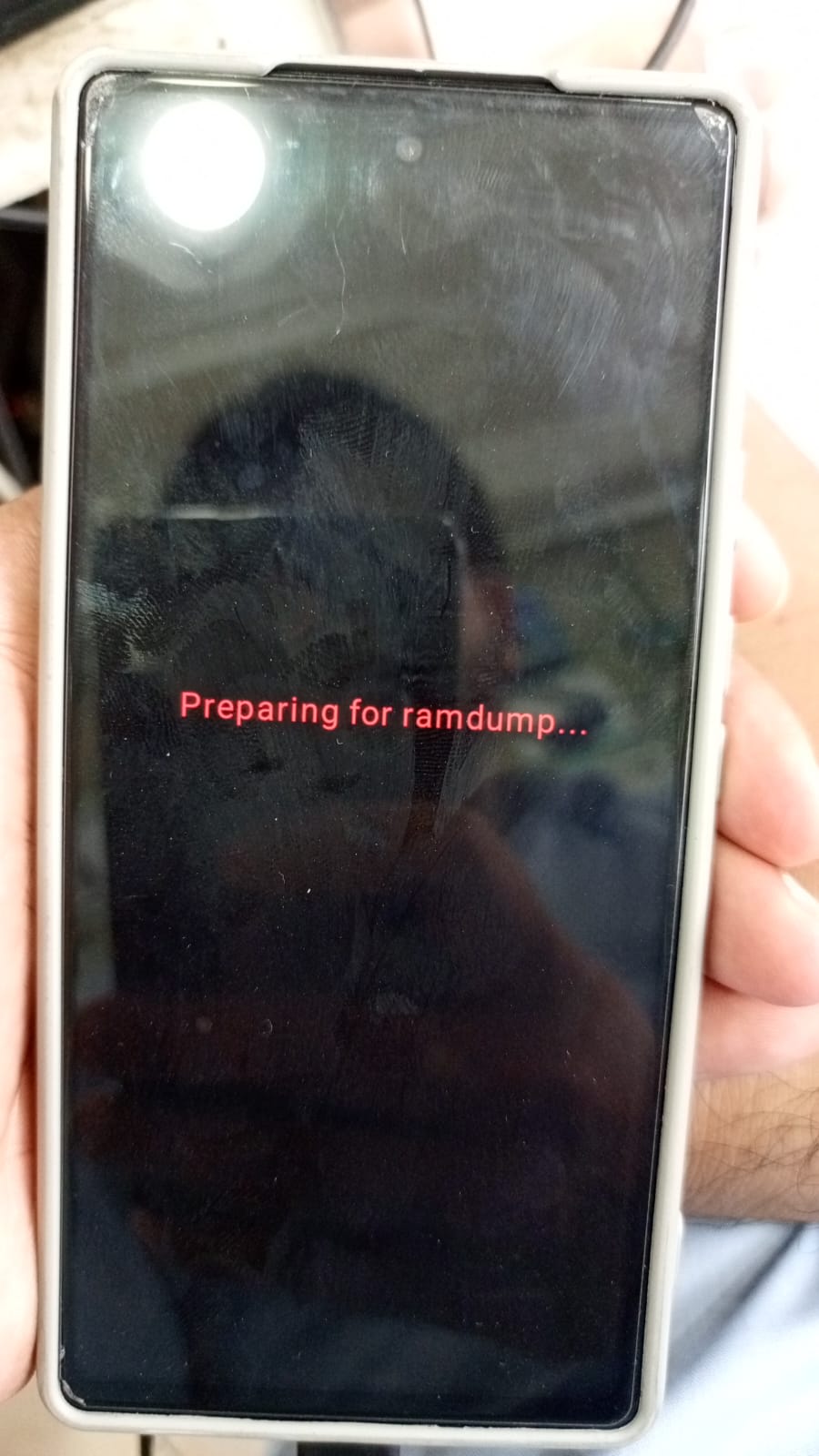
I was repairing the IMEI of a Pixel 6a. After completing the process, the phone entered a bootloop and displayed the message “Preparing for Ramdump…” as shown in the image. I attempted to flash the device multiple times using both the latest and older firmware versions. Although the flashing process completes successfully each time, the phone remains stuck in the Ramdump bootloop.
Try to force boot into fast boot mode by holding both volume +&- buttons & power button together.
Insert data cable & keep holding all the buttons until it turns off, once it turns off immediately release power & volume up button & keep holding only volume down button. You will have access to fast boot mode.
i tryed this method but phone does not show fastboot mode .
i cant acesse fastboot mode phone only show serial communication serial port .
prior i flashed the phone but it allways ended up on the “Preparing for Ramdump…” screen, last night i flashed this firmware" Device: Google Pixel 6A (Bluejay) Firmware Type: Engineering Firmware (ENG ROM) Latest Version: Official Factory ENG Build
The Google Pixel 6A (Bluejay) ENG Firmware is a testing ROM with full system access for debugging and software development.
uploaded by you now the phone iss in dead condition
bootloader was unlocked . cpid tool used was "GOOGLE PIXEL CPID FRP REMOVE SCREEN CORRUPTED GSM MOAZZAM UNLOCKER "
Most of the pixel phones in local markets are refurbished & comes with faulty chips. Now only solution left is to fix it with hardware.
I have uploaded a video on YouTube about dead google pixel phones, you will find most authentic & verified technician’s address details.
Bring your phone to him or you can parcel & he will fix it. Unfortunately there’s none other option.




 Device: Google Pixel 6A (Bluejay)
 Firmware Type: Engineering Firmware (ENG ROM)
 Latest Version: Official Factory ENG Build